

クエリ ストリーム MCP
Let your AI think.
We’ll handle the heavy data work.
Find the right tables. Turn large results into compact findings. Keep the data ready for the next question.
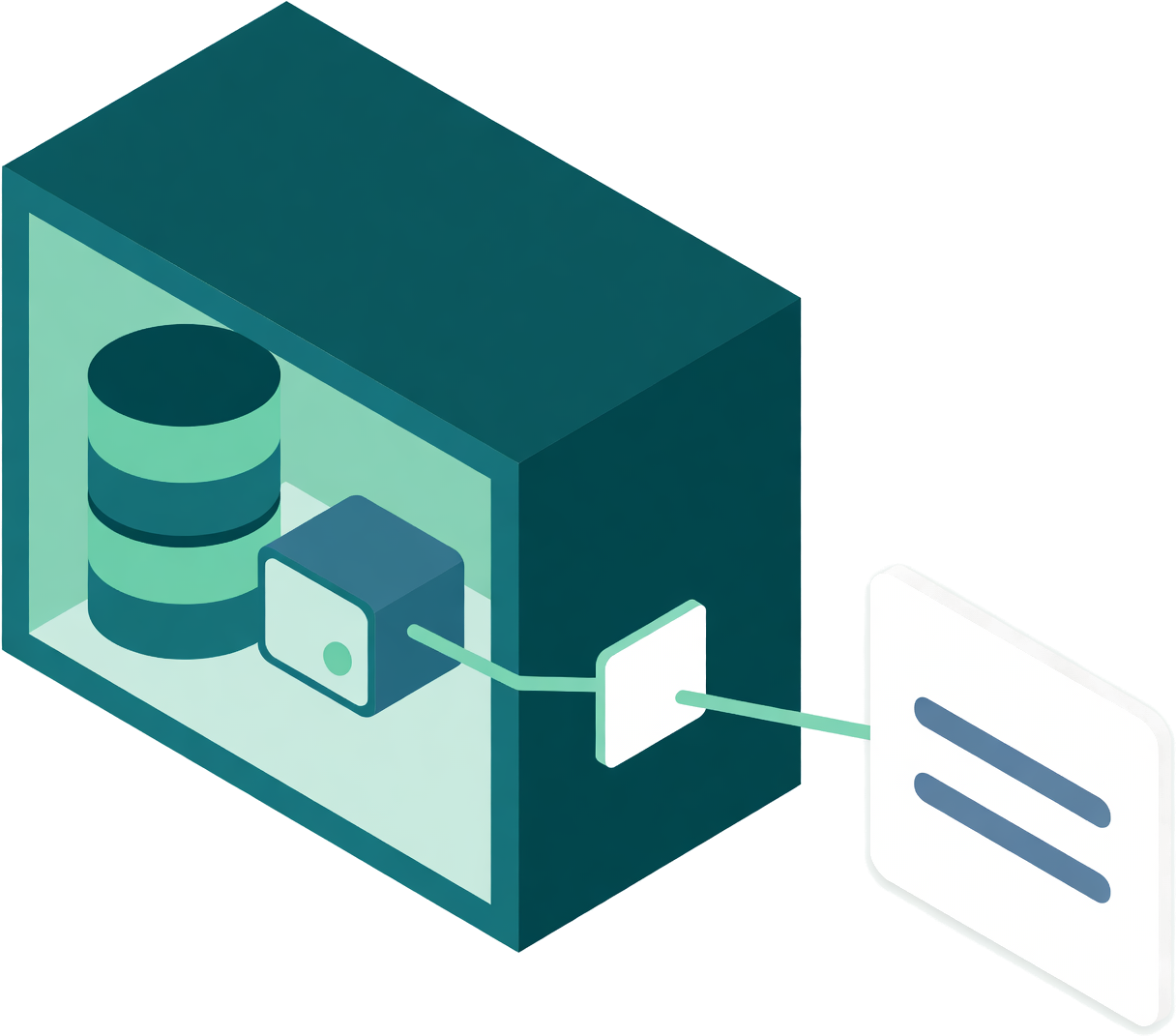
Query Streams gives your AI client a partner beside your databases: the Network Agent. Less data to read and move. Fewer repeated requests. More room to work through your question.
Table discovery and read-only queries on Free.
Profiling and follow-up analysis from Personal Core.
Why Query Streams MCP?
Because getting a useful answer takes more than running a query. Your AI client needs to find the data, make sense of it and ask the next question.
Find the right place to start.
A short question finds relevant tables by meaning, even among thousands of coded names. Your AI client reads the schema it needs and gets on with the query.
Less searching. Fewer guesses.Spend tokens on useful context.
The Network Agent profiles and analyses large results beside your database. Your AI client receives compact findings it can use to decide what to explore next.
Less raw data to read and transfer.Ask the next question without starting over.
Filter, group, compare or sample a held result. Follow-up tools reuse the data already on the Network Agent, without another database query.
Fewer round trips. Less repeated work.Work with private data on your terms.
The Network Agent connects out from inside your network. Database credentials stay there, and queries pass a read-only check before they reach your data.
No inbound database ports or VPN.Table discovery is included on Free
Start with the right tables.
Your AI client asks for what it needs in plain words, in any language. Query Streams returns a short, ranked list of matching tables, with a reason for each match. Then your AI client reads the columns it needs and writes the query.
- Ask in your language. Find tables by meaning.Search names, columns and descriptions across a captured database. Semantic Intelligence can add meaning to abbreviated names, and your team’s table choices help improve future searches.
- Works across the whole captured database.New captures become searchable within minutes. Table and description changes are reflected automatically. Finding a table does not query your database.
Measured in development tests on November 6, 2026: about 60 ms median per search; 71 of 72 questions across 12 languages found the right table in the top three. Results vary by database and question.
Find vehicle auction history, then count the records.
auc_uaxmtn.conlibv_pfarbhist1,048 rows · Match in descriptionauc_uaxmtn.conlibv_pfvehcond2,258,576 rows · Name match: vehicle
Read as: vehicle condition
Next: read the matching table's schemaqs_get_table_schema
database: asi
table: auc_uaxmtn.conlibv_pfarbhist
Then: run the read-only querySELECT COUNT(*) AS history_rows
FROM auc_uaxmtn.conlibv_pfarbhist;
See what your AI can do with a head start.
Once the right data is found, the Network Agent can profile it, calculate over it and keep it ready for follow-up questions. Choose an example to see how a large result becomes something your AI client can explain.
- ノヴァ


 Profiles and analyses data beside your databases.
パーソナルコアとアップ
- 請求書の結果を把握する
行を読む前にデータをプロファイリングします。
Nova or your AI client needs to understand a large invoice result. It asks for a local profile, rather than reading batches of invoices to discover the columns and values.
AI はまず、データの簡潔な概要を確認します。
- 最適化されたツール:結果のプロファイリング
大量の請求書データの結果をプロファイリングします。
エージェントはデータベースのそばで結果をスキャンし、列の統計、範囲、一般的な値を返します。AI はすべての行を自ら処理しなくても、請求書の分析方法を把握できます。
モデルのコンテキストに含まれる未加工データが少ないほど、処理するトークンとインターネット経由で転送するデータが減ります。
- フォローアップツール: 保持した結果をクエリする
必要な合計を尋ねる。
プロファイルによって、AI は必要なフィールドを把握できます。AI はエージェントに、ローカルに保持済みの結果を使って、期限超過の請求書を絞り込み、地域別に残高をグループ化するよう依頼します。
この例では、データベースへの2回目のクエリはありません。
- 説明できる4つの合計
残高の大きい順に並べる。
エージェントは地域別の合計を4つ返します。AI は請求書の行を何度も要求、読み取り、合算する代わりに、回収の優先順位に集中できます。
この分析では184,902行をローカルに保持します。フォローアップへの回答は、グループ化された4行です。

ビジネスコア以上
- カタログ全体を確認する
注意が必要な在庫を見つける。
AI は在庫カバー期間と納期に基づいて自然なグループを求めます。似た動きをする製品を見つけるために、1,284件の商品レコードをコンテキストに読み込む必要はありません。
保持した結果には、すでに在庫カバー期間と納品予定期間が含まれています。
- 最適化ツール: 保持した結果のセグメント化
在庫カバー期間が似ているグループを見つける。
エージェントは数値フィールドをローカルでグループ化し、各セグメントの件数と平均値を返します。1つの小さなグループが際立っています。平均納期が在庫切れの後になるグループです。
3つのセグメント要約により、AI は調査対象を絞り込めます。
- フォローアップツール: 保持した結果を絞り込む
不足が懸念される製品を詳しく確認する。
セグメント値をもとに、精度の高いフォローアップを行えます。AI はエージェントに、同じ保持済みの行から、在庫カバー期間が納期より短い製品を返すよう依頼します。
この例では、データベースへの2回目のクエリはありません。
- 2つの製品、明確な不足が2件
補充不足を解消する。
エージェントは一致する2つの製品とその期間を返します。AI はカタログ全体を確認することなく、対象品目を示し、2日間の不足について説明できます。
グループ化と絞り込みはエージェントが行い、AI は対応策を説明します。

ビジネスコア以上
- パフォーマンスの変化を調査する
時間の経過とともに何が変化したかを確認する。
AIは、日付、遅延件数、出荷件数、遅延率、期間ラベルを含む日次出荷結果から始めます。AIはエージェントに、遅延件数の系列に見られる変化を見つけるよう依頼します。
保持された結果には90日分の日次観測値が含まれており、新たに読み込む個々の注文データのストリームではありません。
- 最適化されたツール:時系列の異常検知
継続的な変化を検出する。
エージェントは、順序付けられた数値系列を確認し、急増や水準の変化を検出します。この例では、1日あたり約3件だった出荷遅延が約12件に増加しており、AIが調査すべきパターンとして示されます。
AIは系列全体を自ら確認するのではなく、検出結果を受け取ります。
- 後続ツール:保持されたグループを比較
件数だけでなく、率を確認する。
件数の増加は、注文数の増加を反映している可能性があります。AIは、保持された結果にすでに含まれている期間ラベルを使って、2つの期間の日次遅延率を比較するようエージェントに依頼します。
この例では、データベースへの2回目のクエリはありません。
- 有用な背景情報を含む比較
期間間の変化を測定する。
エージェントは、以前の62日間と最近の28日間の要約を返します。AIは、件数の増加をすべて同じ問題として扱うのではなく、遅延注文の割合がどのように変化したかを説明できます。
データの再取得を減らせば、モデルが説明に使える余地が増えます。

データと簡略化したワークフローは説明用です。MCPリクエストは送信されません。プロファイリングと保持された結果へのクエリにはPersonal Core以上が必要です。セグメンテーション、異常検知、比較にはBusiness Core以上が必要で、プランの上限が適用されます。Freeには標準の読み取り専用MCPクエリが含まれます。
同じNetwork Agentの基盤が支えるのは 組み込みAIアナリストのNovaです.
The Network Agent advantage
The heavy work belongs beside your data.
Profiles, calculations and held results stay close to the database. Your AI client receives the findings it asks for, with less data to transfer and less repeated processing.
Standard MCP queries return query results. With the optional analysis tools, your AI client can request a compact profile or calculation instead of the full result.
- Your database credentials stay inside.Your AI client signs in to Query Streams or uses a revocable MCP key. It never needs your database password.
- One outbound, encrypted connection.Requests and results travel over a connection opened by the Network Agent. Your database needs no inbound port or VPN for Query Streams.
- Read-only is enforced beside the data.The Network Agent checks every query and refuses statements that would change your data.
Bring the data your business actually runs on.
Use the same MCP connection across supported databases, files, logs and API-connected services. Saved queries and cross-source queries give your AI client more ways to work with the data you already have.
Explore supported sources- データベースSQL Server, PostgreSQL, MySQL, Oracle and more, on your network or in the cloud.
- ファイルとログWork with CSV, Excel, Parquet and log data through supported file connectors.
- Connected servicesQuery service data and join it with your other sources, within your plan limits.
Start free. Add deeper analysis when you need it.
無料
Find the right tables and run read-only queries. Use saved queries and join up to two sources.
- Table discovery in plain language
- One API key, 30 calls per minute
- Up to 1,000 rows per query
個人的な核心
Give your AI client compact findings and data it can reuse.
- Size checks and column profiles
- Compact result summaries
- Held results for follow-up questions
ビジネスコア
Go deeper into quality, patterns and changes across your data.
- データ品質チェック
- 異常、セグメント、比較
- Nova、内蔵AIアナリスト
Features are available within each plan’s allowances. Compare plans and limits
Connect your data once. Bring your AI client.
Install the Network Agent on Windows, Mac or Linux and connect your data sources. Then connect your AI client through SSO or a revocable MCP key.
SSOでサインイン
For AI clients that support sign-in
AIアプリにQuery Streamsを追加し、Query Streamsアカウントでサインインしてアクセスを承認します。APIキーをコピーする必要はありません。
APIキーで接続
APIキー接続に対応するツール向け
ポータルの接続ウィザードで、いつでも無効化できるMCPキーを作成し、サーバーアドレスとキーをツールの設定に追加します。
Server settings for API-key clients
どちらの方法でも、データベースのログイン情報はNetwork Agent上に留まります。ポータルからいつでもアクセスを取り消せます。
人々が最初に尋ねる質問
Does it work on a very large database?
Yes. Your AI client asks for what it needs and gets matching tables ranked, with a reason for each match, whether the database has 40 tables or 20,000. It can find the right table without reading the whole list.
Does my AI need to know my table names?
No. Your AI client can ask in plain words, in any language. Table names, column names, descriptions and captured sample values help find matches. Semantic Intelligence can add meaning to abbreviated or coded names, but it is optional.
Does finding a table use my data allowance?
Only the small reply itself. Finding a table reads nothing from your database.
What happens right after I connect a big database?
It becomes searchable within minutes of schema capture, with nothing to configure. Until then, your AI client is told the index is still building and how far along it is, and it can list tables the usual way. Changes to tables and descriptions are reflected automatically.
Does finding a table send my schema to an AI vendor?
Finding a table runs entirely inside Query Streams; no third-party AI service performs the search. Your connected AI client receives the matching table names and reasons. If it asks for a table’s schema or query results, those replies are returned to that client too.
ポートを開放したり、VPNを実行したりする必要はありますか?
No. The agent runs inside your network and opens one outbound, encrypted connection to Query Streams. Requests and results travel both ways over it. Your AI client connects to Query Streams, never to your database, so there is no inbound port, no IP allowlist and no VPN. The agent runs on a laptop, a VM, on-prem hardware or any cloud that allows outbound HTTPS.
SSOまたはAPIキーを使えますか?
Yes. If your AI client supports SSO, connect with your Query Streams account. For clients that use API-key authentication, create a revocable MCP key in the portal and add it with the server address. Your database login stays on the Network Agent with either method.
私のAIクライアントは私の行を認識していますか?
Standard MCP queries return query results to your AI client. Optional profiling and analysis tools send compact findings instead of the full result. Held results stay on your Network Agent, and your AI client receives only the rows or summaries it requests.
保留結果とは何ですか?
A result your AI client asks the agent to keep for a while. Follow-up questions are answered from that copy, with no second database query: filter it, group it, sort it, page through it or take a sample. Query Streams' servers never store those rows. It is released when its hold time ends, when the assistant releases it, or when someone clears held results on the Data Agents page. Held results are on Personal Core and up.
AIがデータの書き込みや削除を試みたとしたらどうなるでしょうか?
すべてのクエリは、データベースに到達する前にエージェント上で読み取り専用チェックを受けます。SELECT、WITH、EXPLAINは実行できます。それ以外は拒否されます。このチェックはクラウドではなく、ネットワーク内で行われます。
どのプランに含まれていますか?
Table discovery and read-only MCP queries are included on every plan, including Free. Free never expires and includes one key, 30 calls a minute and up to 1,000 rows per query. Profiling and held-result analysis start on Personal Core; deeper analysis starts on Business Core. Nova, the AI analyst built into Query Streams, starts on Business Core. プランを比較する.
Give your AI a head start on its next answer.
Find the right tables. Let the Network Agent prepare the data. Give your AI client more room to think.
 English
 Spanish
 German
 French
 Portuguese
 Japanese
 Korean
 Chinese
 Italian
 Dutch
 Indonesian
 Polish