

Fluxos de consulta MCP
Let your AI think.
We’ll handle the heavy data work.
Find the right tables. Turn large results into compact findings. Keep the data ready for the next question.
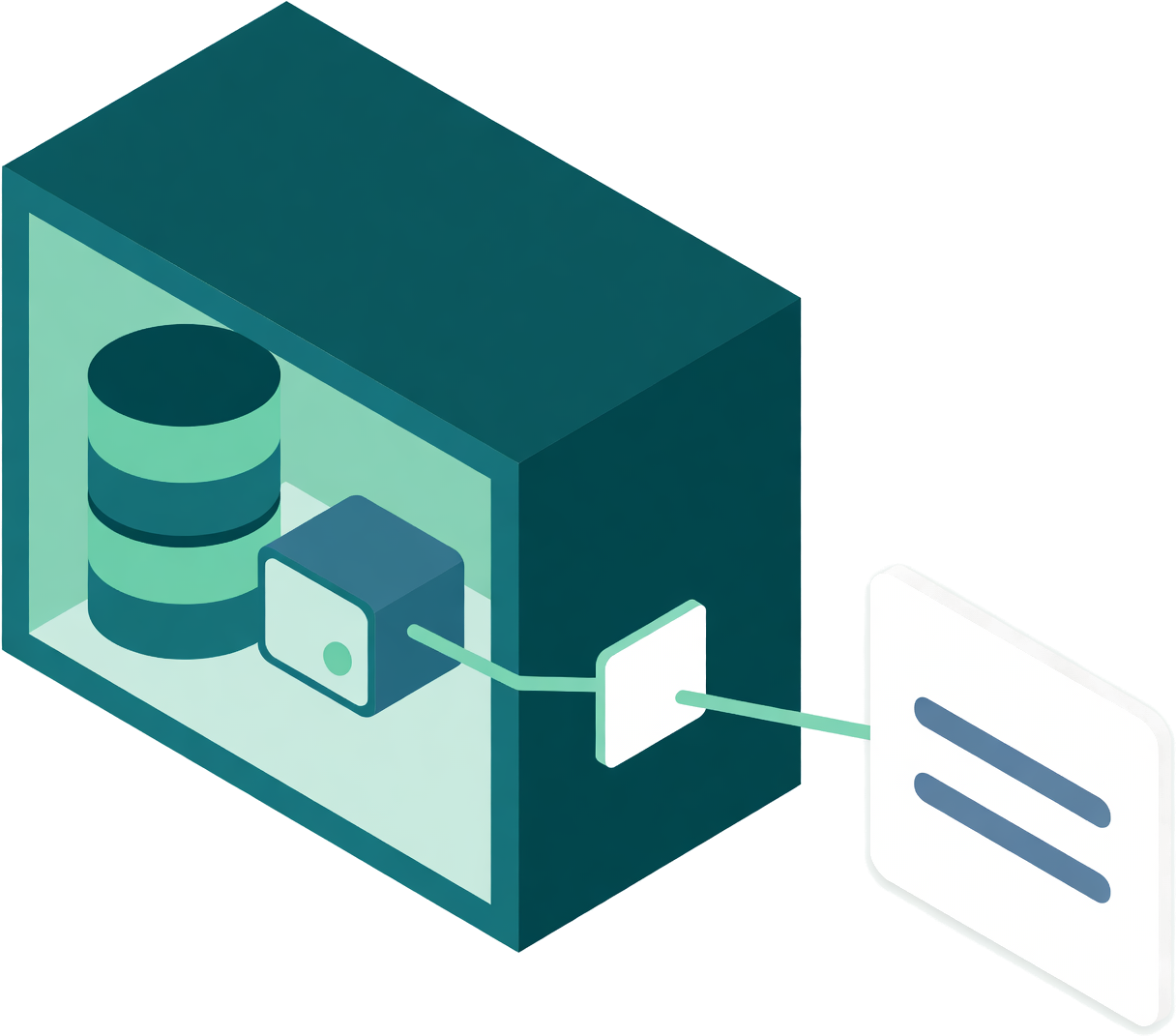
Query Streams gives your AI client a partner beside your databases: the Network Agent. Less data to read and move. Fewer repeated requests. More room to work through your question.
Table discovery and read-only queries on Free.
Profiling and follow-up analysis from Personal Core.
Why Query Streams MCP?
Because getting a useful answer takes more than running a query. Your AI client needs to find the data, make sense of it and ask the next question.
Find the right place to start.
A short question finds relevant tables by meaning, even among thousands of coded names. Your AI client reads the schema it needs and gets on with the query.
Less searching. Fewer guesses.Spend tokens on useful context.
The Network Agent profiles and analyses large results beside your database. Your AI client receives compact findings it can use to decide what to explore next.
Less raw data to read and transfer.Ask the next question without starting over.
Filter, group, compare or sample a held result. Follow-up tools reuse the data already on the Network Agent, without another database query.
Fewer round trips. Less repeated work.Work with private data on your terms.
The Network Agent connects out from inside your network. Database credentials stay there, and queries pass a read-only check before they reach your data.
No inbound database ports or VPN.Table discovery is included on Free
Start with the right tables.
Your AI client asks for what it needs in plain words, in any language. Query Streams returns a short, ranked list of matching tables, with a reason for each match. Then your AI client reads the columns it needs and writes the query.
- Ask in your language. Find tables by meaning.Search names, columns and descriptions across a captured database. Semantic Intelligence can add meaning to abbreviated names, and your team’s table choices help improve future searches.
- Works across the whole captured database.New captures become searchable within minutes. Table and description changes are reflected automatically. Finding a table does not query your database.
Measured in development tests on November 6, 2026: about 60 ms median per search; 71 of 72 questions across 12 languages found the right table in the top three. Results vary by database and question.
Find vehicle auction history, then count the records.
auc_uaxmtn.conlibv_pfarbhist1,048 rows · Match in descriptionauc_uaxmtn.conlibv_pfvehcond2,258,576 rows · Name match: vehicle
Read as: vehicle condition
Next: read the matching table's schemaqs_get_table_schema
database: asi
table: auc_uaxmtn.conlibv_pfarbhist
Then: run the read-only querySELECT COUNT(*) AS history_rows
FROM auc_uaxmtn.conlibv_pfarbhist;
See what your AI can do with a head start.
Once the right data is found, the Network Agent can profile it, calculate over it and keep it ready for follow-up questions. Choose an example to see how a large result becomes something your AI client can explain.
- Nova


 Profiles and analyses data beside your databases.
Núcleo Pessoal e superiores
- Entenda o resultado das faturas
Analise o perfil dos dados antes de ler as linhas.
Nova or your AI client needs to understand a large invoice result. It asks for a local profile, rather than reading batches of invoices to discover the columns and values.
A IA começa com um mapa conciso dos dados.
- Ferramenta otimizada: perfil do resultado
Analise o perfil de um grande resultado de faturas.
O agente examina o resultado junto ao seu banco de dados e retorna estatísticas de colunas, intervalos e valores comuns. A IA consegue entender como analisar as faturas sem processar cada linha por conta própria.
Menos dados brutos no contexto do modelo significa menos tokens para processar e menos dados para transferir pela internet.
- Ferramenta de acompanhamento: consultar o resultado mantido
Peça os totais que importam.
O perfil fornece à IA os campos de que ela precisa. Ela pede ao agente que filtre as faturas vencidas e agrupe seus saldos por região, usando o resultado já mantido localmente.
Nenhuma segunda consulta ao banco de dados neste exemplo.
- Quatro totais, prontos para explicar
Coloque os maiores saldos primeiro.
O agente retorna quatro totais regionais. A IA pode se concentrar nas prioridades de cobrança, em vez de solicitar, ler e somar repetidamente as linhas das faturas.
184.902 linhas permanecem locais para esta análise. Quatro linhas agrupadas respondem à solicitação de acompanhamento.

Núcleo de negócios e superiores
- Analise todo o catálogo
Encontre os itens de estoque que precisam de atenção.
A IA solicita grupos naturais com base na cobertura de estoque e no prazo de entrega. Ela não precisa carregar 1.284 registros de produtos para o contexto a fim de descobrir quais têm comportamentos semelhantes.
O resultado mantido já inclui a cobertura de estoque e os intervalos de entrega previstos.
- Ferramenta otimizada: segmentação do resultado mantido
Encontre grupos com cobertura de estoque semelhante.
O agente agrupa os campos numéricos localmente e retorna o tamanho e os valores médios de cada segmento. Um grupo pequeno se destaca: a entrega média chega depois que o estoque se esgota.
Três resumos de segmentos dão à IA um foco claro para investigar.
- Ferramenta de acompanhamento: filtrar o resultado mantido
Examine mais de perto os produtos expostos.
Os valores dos segmentos orientam uma consulta de acompanhamento precisa. A IA pede ao agente que retorne os produtos cuja cobertura de estoque é menor que o prazo de entrega, usando as mesmas linhas mantidas.
Nenhuma segunda consulta ao banco de dados neste exemplo.
- Dois produtos, duas lacunas claras
Feche as lacunas de reposição.
O agente retorna os dois produtos correspondentes e seus intervalos. A IA pode indicar os itens afetados e explicar a exposição de dois dias sem examinar todo o catálogo.
O agente faz o agrupamento e a filtragem; a IA explica a ação.

Núcleo de negócios e superiores
- Investigue uma mudança no desempenho
Pergunte o que mudou ao longo do tempo.
A IA começa com um resultado diário de expedições que contém datas, quantidades de atrasos, quantidades expedidas, taxas de atraso e rótulos de período. Ela pede ao agente que encontre mudanças na série de quantidades de atrasos.
O resultado retido contém 90 observações diárias, não um novo fluxo de pedidos individuais para analisar.
- Ferramenta otimizada: anomalias em séries temporais
Detecte uma mudança sustentada.
O agente verifica a série numérica ordenada em busca de picos e mudanças de nível. Este exemplo destaca uma mudança de cerca de três expedições atrasadas por dia para cerca de doze, dando à IA um padrão para investigar.
A IA recebe as descobertas do detector, em vez de analisar toda a série por conta própria.
- Ferramenta de acompanhamento: comparar grupos retidos
Verifique a taxa, não apenas a quantidade.
Uma quantidade maior pode refletir um número maior de pedidos. A IA pede ao agente que compare as taxas diárias de atraso entre os dois períodos, usando os rótulos de período já presentes no resultado retido.
Nenhuma segunda consulta ao banco de dados neste exemplo.
- Uma comparação com contexto útil
Meça a mudança entre os períodos.
O agente retorna resumos dos 62 dias anteriores e dos 28 dias recentes. A IA pode explicar como a proporção de pedidos atrasados mudou, em vez de tratar todo aumento na quantidade como o mesmo problema.
Menos solicitações repetidas de dados dão ao modelo mais espaço para a explicação.

Dados ilustrativos e fluxo de trabalho simplificado. Nenhuma solicitação MCP é enviada. A criação de perfis e as consultas a resultados retidos exigem o Personal Core ou superior. A segmentação, a detecção de anomalias e as comparações exigem o Business Core ou superior, dentro dos limites do seu plano. O plano Free inclui consultas MCP padrão somente para leitura.
A mesma base do Network Agent também dá suporte ao Nova, nosso analista de IA integrado.
The Network Agent advantage
The heavy work belongs beside your data.
Profiles, calculations and held results stay close to the database. Your AI client receives the findings it asks for, with less data to transfer and less repeated processing.
Standard MCP queries return query results. With the optional analysis tools, your AI client can request a compact profile or calculation instead of the full result.
- Your database credentials stay inside.Your AI client signs in to Query Streams or uses a revocable MCP key. It never needs your database password.
- One outbound, encrypted connection.Requests and results travel over a connection opened by the Network Agent. Your database needs no inbound port or VPN for Query Streams.
- Read-only is enforced beside the data.The Network Agent checks every query and refuses statements that would change your data.
Bring the data your business actually runs on.
Use the same MCP connection across supported databases, files, logs and API-connected services. Saved queries and cross-source queries give your AI client more ways to work with the data you already have.
Explore supported sources- Bancos de dadosSQL Server, PostgreSQL, MySQL, Oracle and more, on your network or in the cloud.
- Arquivos e logsWork with CSV, Excel, Parquet and log data through supported file connectors.
- Connected servicesQuery service data and join it with your other sources, within your plan limits.
Start free. Add deeper analysis when you need it.
Gratuito
Find the right tables and run read-only queries. Use saved queries and join up to two sources.
- Table discovery in plain language
- One API key, 30 calls per minute
- Up to 1,000 rows per query
Núcleo Pessoal
Give your AI client compact findings and data it can reuse.
- Size checks and column profiles
- Compact result summaries
- Held results for follow-up questions
Núcleo de negócios
Go deeper into quality, patterns and changes across your data.
- Verificações de qualidade de dados
- Anomalias, segmentos e comparações
- Nova, a analista de IA integrada.
Features are available within each plan’s allowances. Compare plans and limits
Connect your data once. Bring your AI client.
Install the Network Agent on Windows, Mac or Linux and connect your data sources. Then connect your AI client through SSO or a revocable MCP key.
Inicie sessão com SSO
For AI clients that support sign-in
Adicione Query Streams ao seu aplicativo de IA, inicie sessão com sua conta Query Streams e autorize o acesso. Não é necessário copiar uma chave de API.
Conecte-se com uma chave de API
Para ferramentas compatíveis com conexões por chave de API
Crie uma chave MCP revogável no assistente de conexão do portal e adicione o endereço do servidor e a chave às configurações da sua ferramenta.
Server settings for API-key clients
Ambos os métodos mantêm os dados de acesso ao banco de dados no Network Agent. Revogue o acesso pelo portal a qualquer momento.
Perguntas que as pessoas fazem primeiro
Does it work on a very large database?
Yes. Your AI client asks for what it needs and gets matching tables ranked, with a reason for each match, whether the database has 40 tables or 20,000. It can find the right table without reading the whole list.
Does my AI need to know my table names?
No. Your AI client can ask in plain words, in any language. Table names, column names, descriptions and captured sample values help find matches. Semantic Intelligence can add meaning to abbreviated or coded names, but it is optional.
Does finding a table use my data allowance?
Only the small reply itself. Finding a table reads nothing from your database.
What happens right after I connect a big database?
It becomes searchable within minutes of schema capture, with nothing to configure. Until then, your AI client is told the index is still building and how far along it is, and it can list tables the usual way. Changes to tables and descriptions are reflected automatically.
Does finding a table send my schema to an AI vendor?
Finding a table runs entirely inside Query Streams; no third-party AI service performs the search. Your connected AI client receives the matching table names and reasons. If it asks for a table’s schema or query results, those replies are returned to that client too.
Preciso abrir portas ou usar uma VPN?
No. The agent runs inside your network and opens one outbound, encrypted connection to Query Streams. Requests and results travel both ways over it. Your AI client connects to Query Streams, never to your database, so there is no inbound port, no IP allowlist and no VPN. The agent runs on a laptop, a VM, on-prem hardware or any cloud that allows outbound HTTPS.
Posso usar SSO ou uma chave de API?
Yes. If your AI client supports SSO, connect with your Query Streams account. For clients that use API-key authentication, create a revocable MCP key in the portal and add it with the server address. Your database login stays on the Network Agent with either method.
Meu cliente de IA consegue visualizar minhas linhas?
Standard MCP queries return query results to your AI client. Optional profiling and analysis tools send compact findings instead of the full result. Held results stay on your Network Agent, and your AI client receives only the rows or summaries it requests.
O que é um resultado retido?
A result your AI client asks the agent to keep for a while. Follow-up questions are answered from that copy, with no second database query: filter it, group it, sort it, page through it or take a sample. Query Streams' servers never store those rows. It is released when its hold time ends, when the assistant releases it, or when someone clears held results on the Data Agents page. Held results are on Personal Core and up.
E se a IA tentar escrever ou apagar dados?
Toda consulta passa por uma verificação somente leitura no agente antes de chegar ao seu banco de dados. SELECT, WITH e EXPLAIN são executados; qualquer outra instrução é recusada. A verificação ocorre dentro da sua rede, não na nuvem.
Quais planos incluem esse recurso?
Table discovery and read-only MCP queries are included on every plan, including Free. Free never expires and includes one key, 30 calls a minute and up to 1,000 rows per query. Profiling and held-result analysis start on Personal Core; deeper analysis starts on Business Core. Nova, the AI analyst built into Query Streams, starts on Business Core. Compare planos.
Give your AI a head start on its next answer.
Find the right tables. Let the Network Agent prepare the data. Give your AI client more room to think.
 English
 Spanish
 German
 French
 Portuguese
 Japanese
 Korean
 Chinese
 Italian
 Dutch
 Indonesian
 Polish